Working from home is great until your back starts hurting and your focus disappears. The right setup makes a huge difference to comfort and productivity. Here's what we recommend.
1. Start with your chair
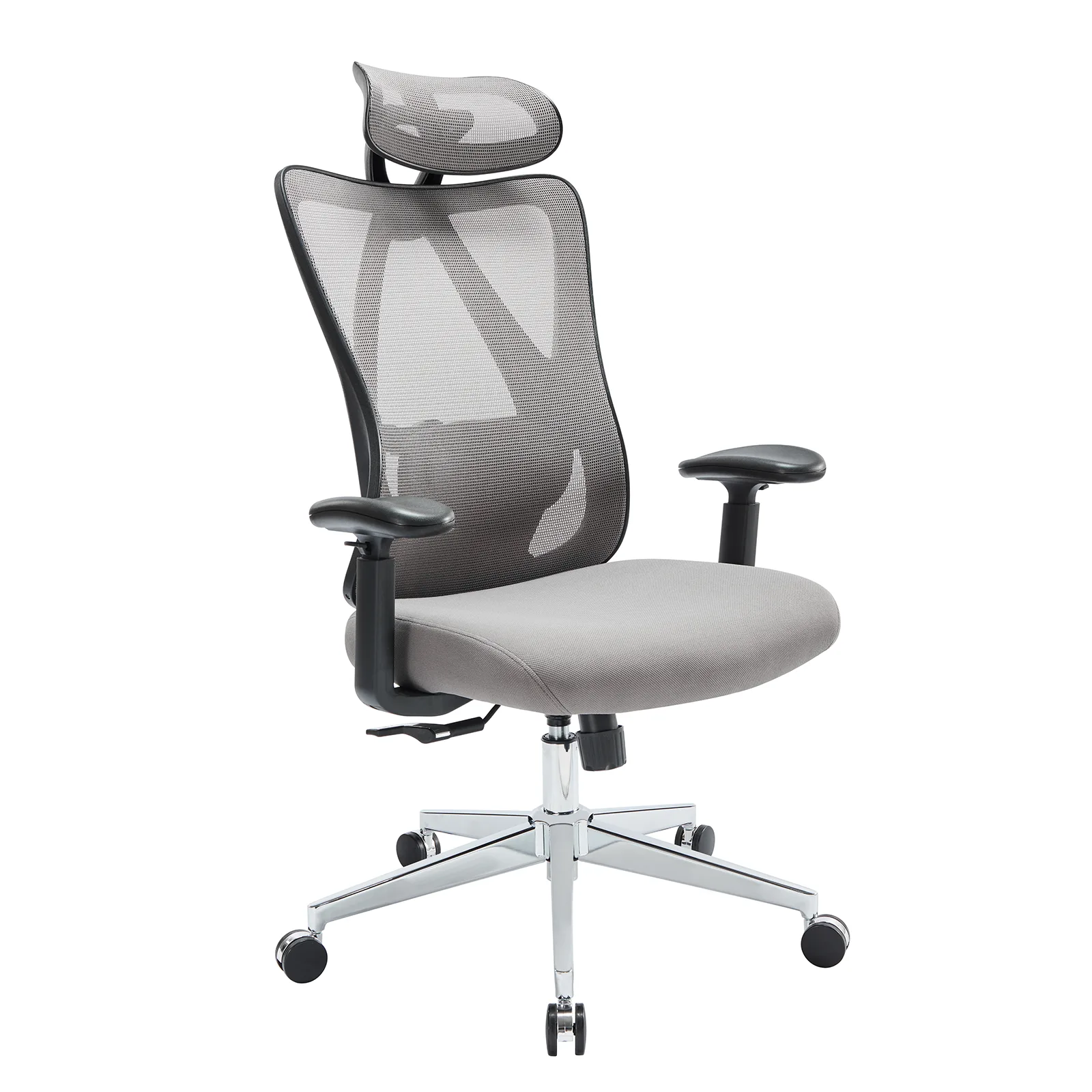
You spend hours in it, so it matters most. An ergonomic office chair with lumbar support keeps your back supported and your posture healthy.
Setup tip: feet flat on the floor, knees at about 90 degrees, and your lower back fully supported.
2. Stand up more often
An electric standing desk lets you switch between sitting and standing at the push of a button. Try alternating every 30–60 minutes.
3. Upgrade your keyboard
A wireless mechanical keyboard is more comfortable and satisfying to type on, and tri-mode connection lets you switch between laptop, tablet and phone.
4. Block out distractions
Barking dogs, traffic and family noise? Noise cancelling headphones help you focus and sound clear on calls.
5. Carry your office anywhere
Working from a cafe or co-working space? An anti-theft laptop backpack with USB charging keeps your gear safe and your phone charged.
6. Make breaks count
Use your lunch break to recharge. Play music on a Bluetooth speaker, or relax your back with a massage chair cushion.
Home office checklist
- Ergonomic chair
- Desk at the right height (or a standing desk)
- Monitor at eye level
- Comfortable keyboard and mouse
- Good lighting, ideally near a window
- Headphones for calls and focus
Frequently asked questions
How long should I stand at a standing desk?
Many people alternate between sitting and standing every 30–60 minutes. Start slowly and build up.
Are mechanical keyboards better for typing?
Many people find them more comfortable and accurate, and they last longer than standard keyboards.
Ergonomics made simple
- Screen: top of the monitor at or slightly below eye level, about an arm's length away.
- Arms: elbows bent around 90 degrees, wrists straight while typing.
- Back: sit all the way back in your chair so the lumbar support does its job.
- Feet: flat on the floor or on a footrest.
Productivity habits that help
- Start and finish at the same time each day.
- Take a 5-minute movement break every hour.
- Keep your desk clear of anything you don't need for work.
- Use headphones as a "do not disturb" signal for others at home.
Budget-friendly upgrades in order
- Ergonomic chair (biggest impact on comfort)
- Noise cancelling headphones (biggest impact on focus)
- Mechanical keyboard (more comfortable typing)
- Standing desk (more movement during the day)
Shop the Office & Tech collection at ZAIVEN with free US shipping over $30.